

Find Visitors
Find Visitors lists every person who has been to your store. Use it to look up one visitor, see who was active recently, or filter a group of visitors and save them as a segment.
Go to Audience → Find Visitors.
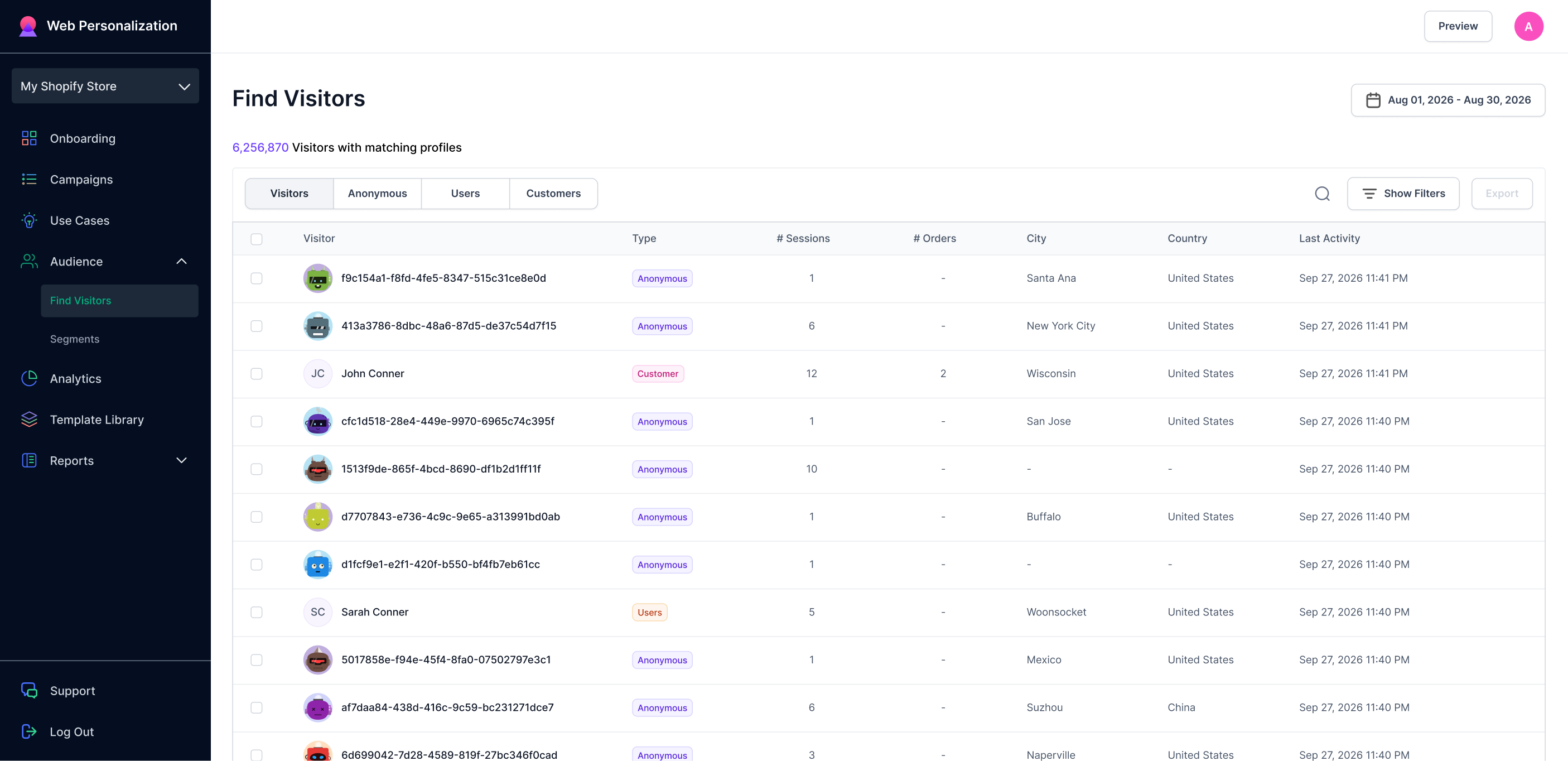
Find Visitors screen showing list of visitors in that month
The list
The count at the top tells you how many visitors match what you have selected. Each row shows:
| Column | What it means |
|---|---|
| Visitor | The visitor's name, or an anonymous ID until the visitor's identity is resolved |
| # Sessions | How many times they have visited |
| # Orders | How many orders they have placed |
| City | Where their sessions came from |
| Country | Where their sessions came from |
| Last Activity | The last time they did anything on your store |
Click any row to open that visitor's profile.
Visitor types
Four tabs split the list by how far a visitor has gone with you.
- Visitors: everyone.
- Anonymous: people who have not created an account.
- Users: people who have signed up but have not bought anything yet.
- Customers: people who have placed at least one order.
Date range
The date picker at the top right sets the window for the whole screen. Change it, and the list reloads to show visitors who were active in that period.
Search and filters
Use the search box to find a visitor by name or email.
Use Show Filters to narrow the list by behavior and attributes: pages viewed, cart activity, orders, location, and more. Filters are also how you build a segment. See Create a custom segment.
Export
Export downloads the current list as a file. Whatever tab, date range, search, and filters you apply are exported.
Rows per page
Change the rows per page at the bottom left, and use the page numbers at the bottom right to move through the list.
Updated about 1 month ago